 GAHUM
GAHUM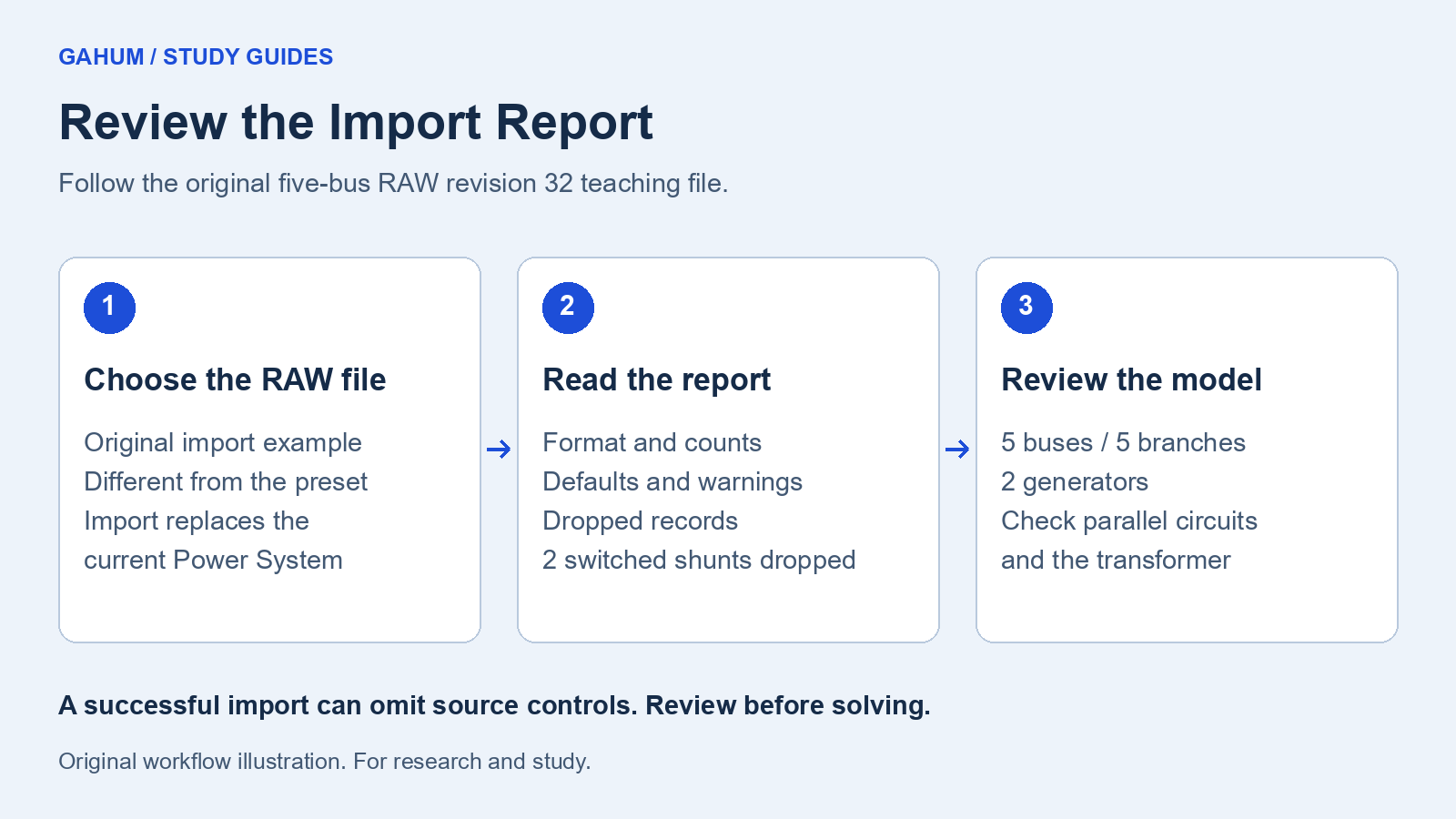
This exercise uses an original five-bus importer example authored for GAHUM. It demonstrates supported RAW revision 32 records. It is not a vendor-produced case or a certificate of complete format compatibility.
1. Get the teaching file
Download the five-bus RAW import example. It is plain text. The file starts with the case title GAHUM FIVE BUS IMPORT STUDY.
This is a different electrical case from the original 5-bus preset in the first guide. Its names, topology, and values were authored for importer coverage.
2. Import the file
Importing replaces the current Power System. Use a separate browser profile if you have a study to keep.
- Open GAHUM and select Show editor if the controls are hidden.
- Find PSS/E Import in the editor controls.
- Choose the downloaded file with the RAW file picker. Wait for the loaded-file message.
- Select Import PSS/E case.
The imported Power System has five buses, five branches, and two generators. Two circuits connect buses 1 and 2. A transformer connects buses 3 and 4, which have different voltage bases.
3. Read the Import Report before solving
The Import Report explains how the source became a Power System. Read these parts separately:
- Format and counts: identify the detected format and the resulting electrical elements.
- Defaults: values the source did not state and the importer supplied. A stated value equal to a default is not an omission.
- Warnings: assumptions, repairs, or limitations that need review.
- Dropped records: source material that the imported model does not carry.
This file includes two switched-shunt records. The Import Report identifies those records as dropped. A successful import therefore does not mean the imported model preserves every control in the file.
Check the parallel circuits, transformer, loads, and generators in the editor. Do not infer that a visually plausible SLD proves the imported values are correct.
4. Decide whether the imported case fits the study
For this exercise, select Run Load Flow to inspect the supported steady-state model. For another study, first decide whether any omitted controls or assumptions affect your question. A result can converge while representing a different model from the source.
Read the example sources and assumptions and research-use terms before relying on a result.